Holidays in MyHomeConsole
Holiday planning without scattered details
How does MyHomeConsole organise a household holiday?
MyHomeConsole keeps the destination, dates, travellers, working budget, bookings, documents, expenses and next actions together from the first idea through to departure.
Start your free trial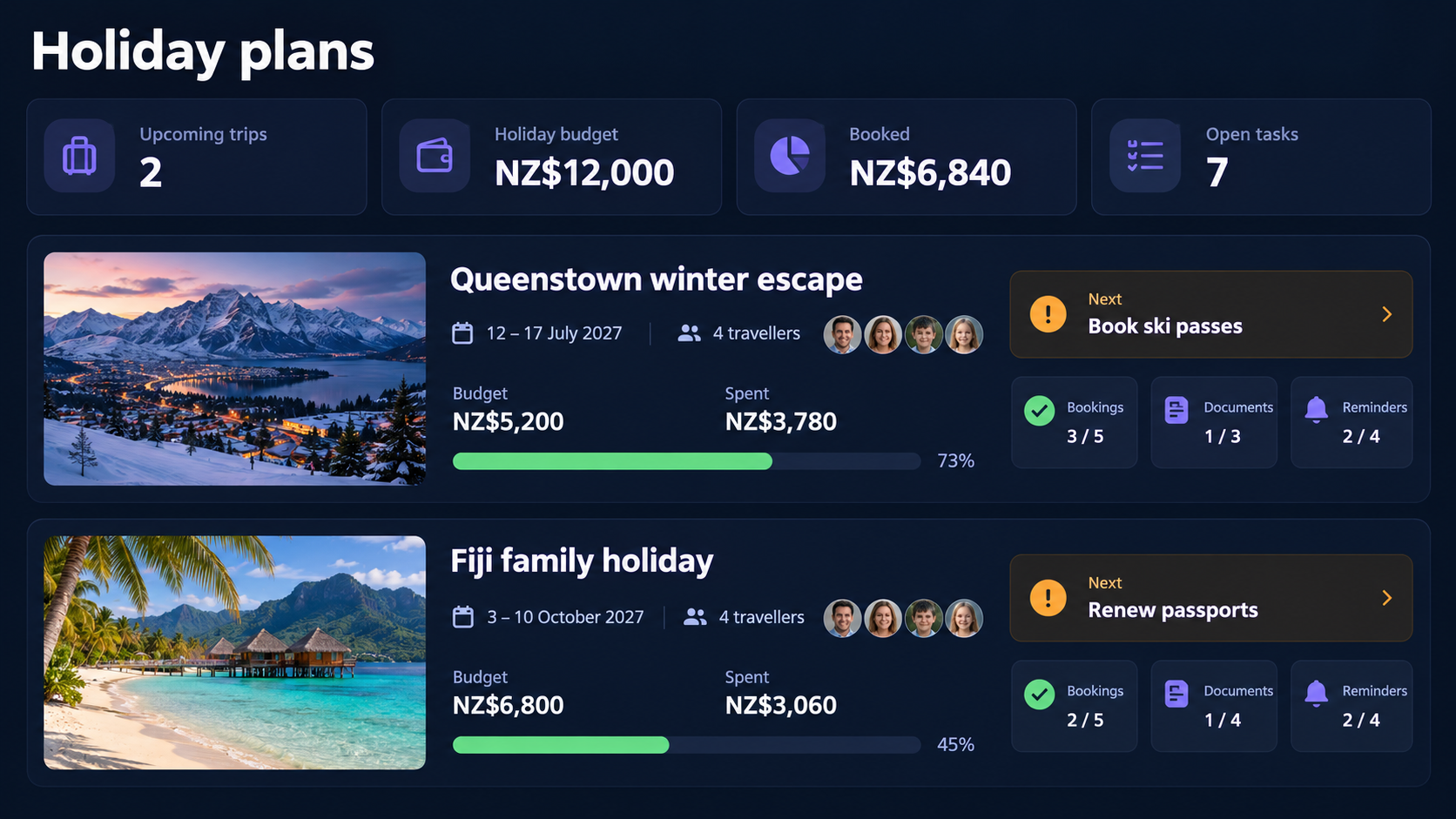
See the trip, the budget and next actions together
Keep practical travel details visible beside what has been booked, what has been spent and what the household still needs to organise.
What is included
What can you manage?
-
Shape the whole trip
Keep destinations, dates, travellers and shared notes in one holiday plan.
-
Follow the real holiday cost
Set a budget and connect recorded expenses so bookings and spending tell one story.
-
Prepare without loose ends
Keep confirmations, itineraries, tasks and reminders close to the holiday they support.
A connected workflow
How it works
Start with the information you already have, add related records over time, and return to one household context when something needs attention.
- 1 Add the destination, dates, travellers and working holiday budget.
- 2 Attach bookings and documents, then record expenses and next actions.
- 3 Return to the holiday view to see what is confirmed and what remains.
Common questions
- Can I keep holiday documents with the trip?
- Yes. Confirmations, tickets, itineraries and other documents can be kept with the relevant holiday.
- Can the household follow holiday spending?
- Yes. A holiday can carry a budget and related expenses so the plan stays connected to its cost.
Explore connected household workflows
Bring your household information together
Start with holidays, then add the other parts of home life when you are ready.
Start your free trial